
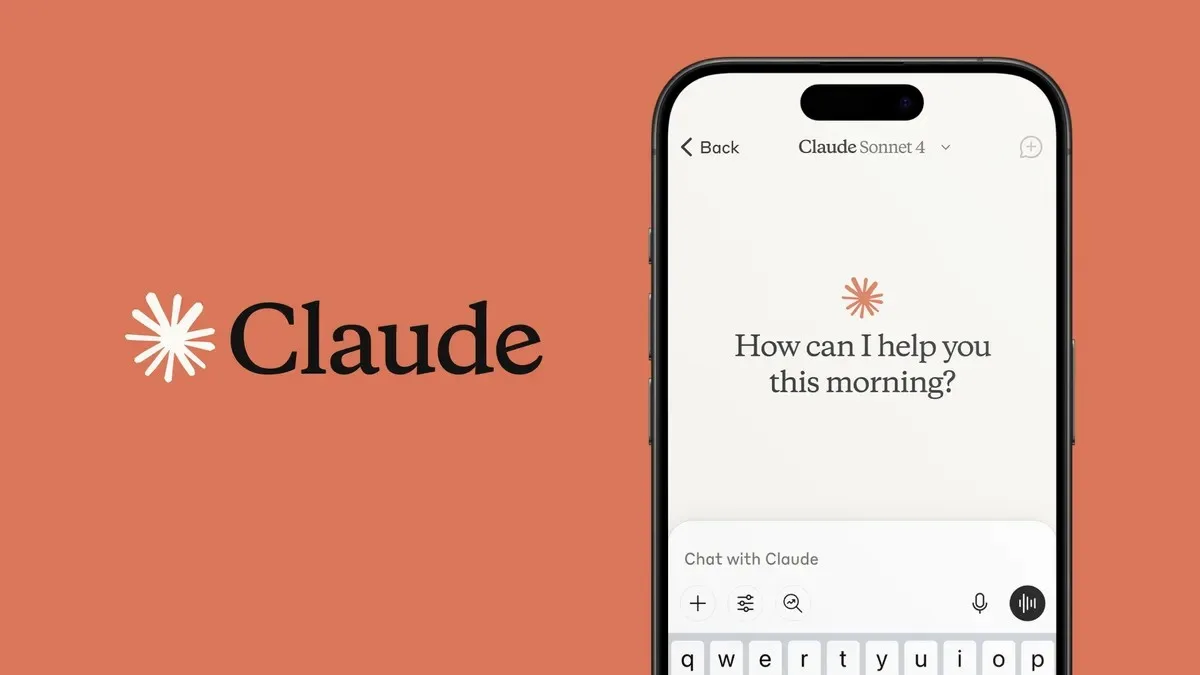

In the fast-paced world of technology, effective email communication remains paramount, with Gmail standing as a dominant platform for millions. However, the sheer volume of daily correspondence, particularly routine inquiries, follow-ups, and requests, can significantly drain a tech or mobile enthusiast’s valuable time. Fortunately, artificial intelligence offers a powerful solution. Claude, Anthropic’s sophisticated AI assistant, provides direct integration with Gmail, poised to transform your email management by drafting intelligent replies. Let’s delve into the process of leveraging this advanced tool.
Before exploring the setup, it’s crucial to understand Claude’s core capabilities. This AI is engineered to meticulously analyze entire email threads, comprehending the intricate context without requiring users to manually copy and paste messages into a separate chatbot interface. Furthermore, Claude can draft and send emails on your behalf, always with your explicit approval, a feature enabled by default for seamless operation.
Integrating Claude AI with Your Gmail Inbox
Setting up Claude to manage your Gmail is a straightforward process designed for efficiency. Follow these steps to enable AI-powered email assistance:
- Begin by opening Claude and navigating to the ‘Connectors’ option within the interface.
- Click the ‘+’ button, then select ‘Connectors’ from the available choices.
- Locate and select ‘Gmail’ from the comprehensive list of integration options.
- Proceed to sign in with the specific Google account whose Gmail inbox you wish Claude to access, and grant the necessary permissions as prompted.
Once connected, engaging with Claude for email assistance is intuitive. Simply open Claude’s chat window and describe the email or task you need assistance with. The AI will intelligently scan your Gmail, identifying and utilizing the relevant email thread as contextual information for its response generation.
You then have full control to articulate the desired content and tone of the reply. Instruct Claude on the key information to include and specify the desired style, whether you prefer a more casual, formal, concise, or detailed response, allowing for tailored communication.
Upon reviewing Claude’s drafted response, you can approve the action, initiating the automatic sending of the email. With Claude at your service, managing your inbox becomes a significantly more streamlined and less time-consuming endeavor.
We recommend you to keep browsing Android Den to get more interesting news from the world of technology and also for amazing tips & tricks for your gadget that will help you to bring out maximum from your companion. You can follow us on Facebook, Twitter, and Instagram to get the notifications instantly.
